Just talk. The notes write themselves.
Record a thought, a meeting or a to-do list. NoteClearly writes it down, tidies it up and pulls out what needs doing - so nothing you said gets lost.
- No credit card required
- Cancel anytime
Everything you said, put to work.
NoteClearly turns what you say into notes you can read, find and act on.
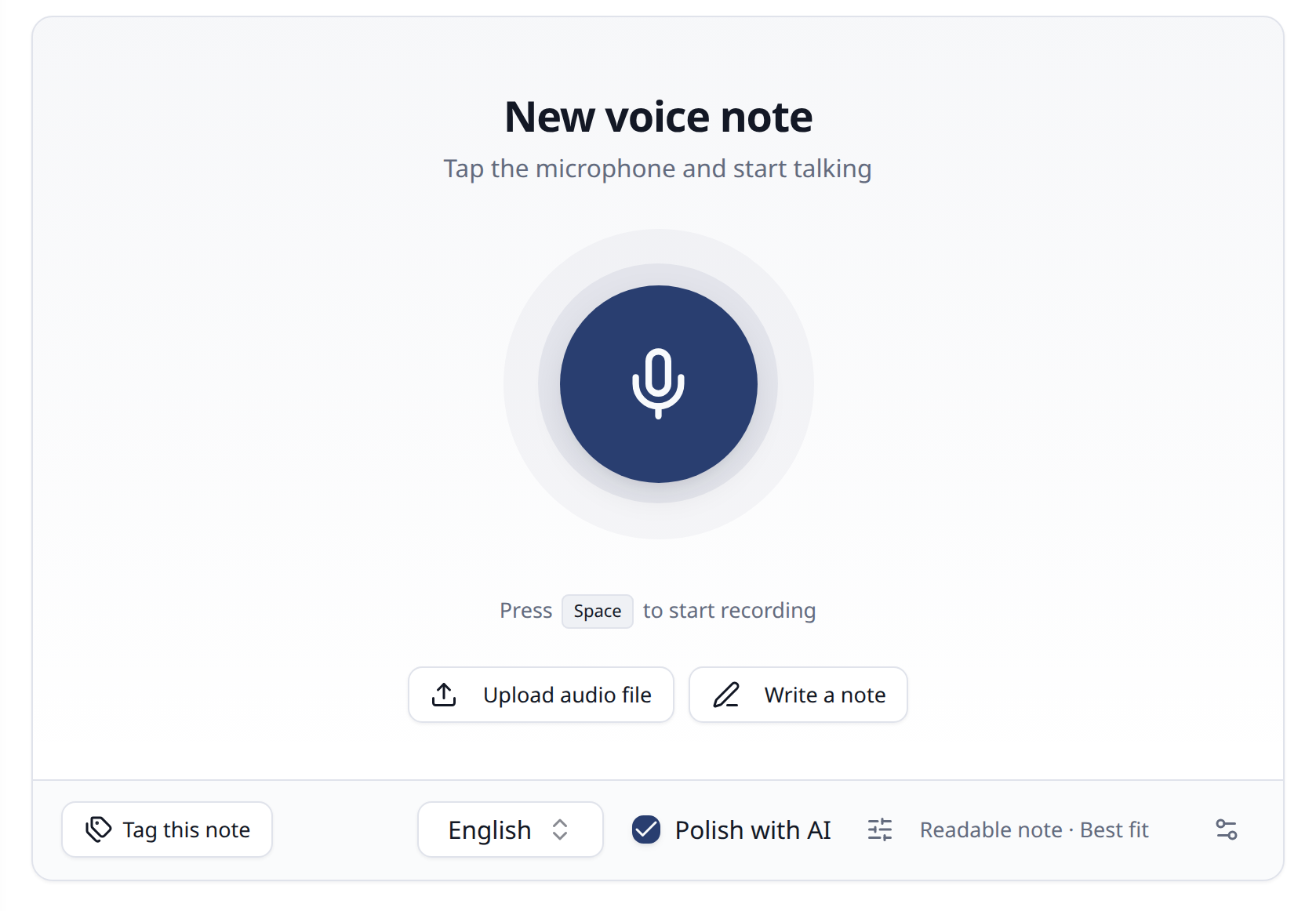
- 01 · Record
Just talk.
Record in your browser or upload an audio file. It becomes text in the background, in English, Danish and many other languages - and a closed tab or a dropped connection doesn’t cost you the recording.
- 02 · Polish
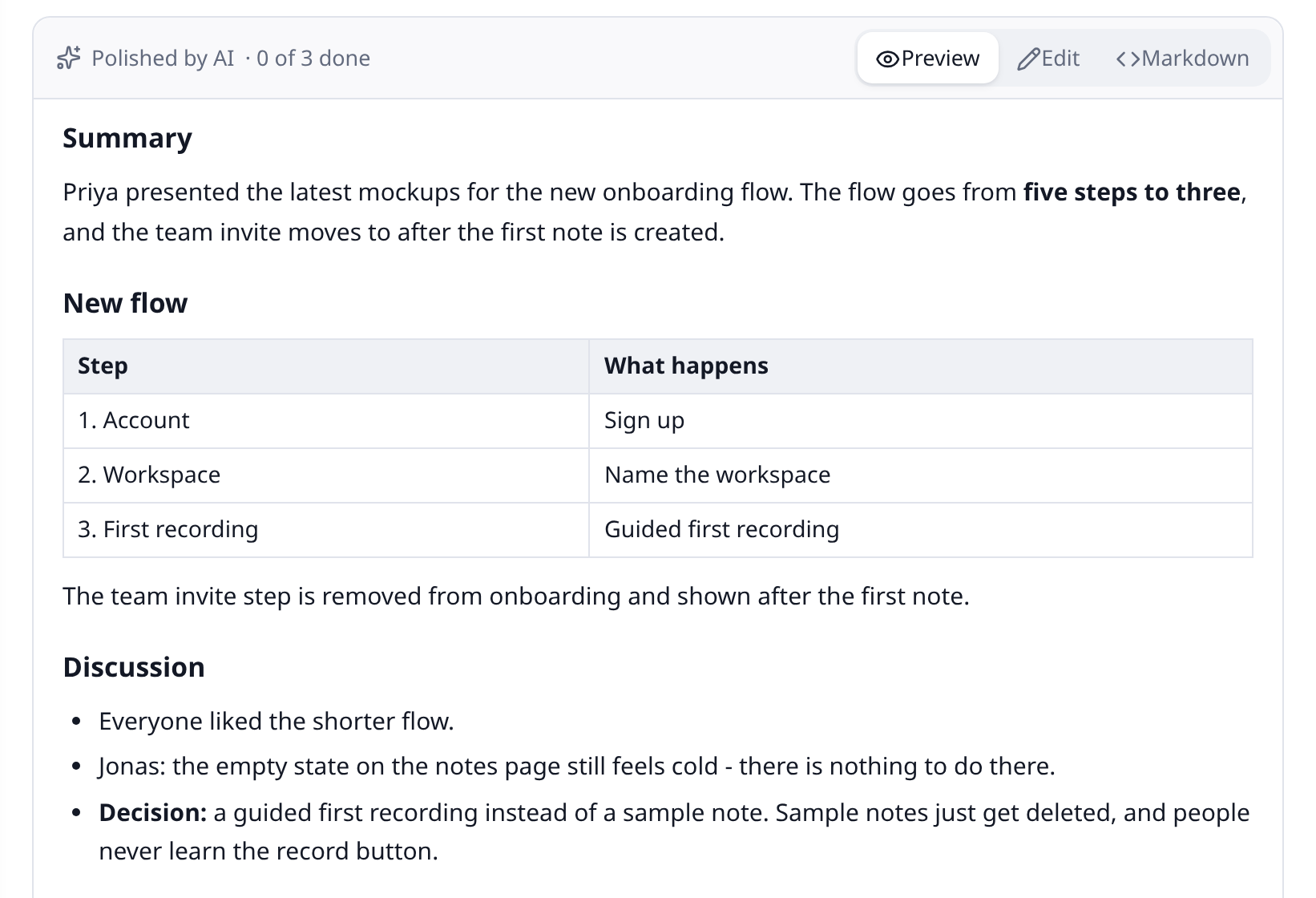
Get a clean, structured note.
Spoken rambling becomes a tidy note, with headings, lists and tables where they help - in your own words, or rewritten to read well. It never adds facts, and your original transcript is always kept.
- 03 · Key points
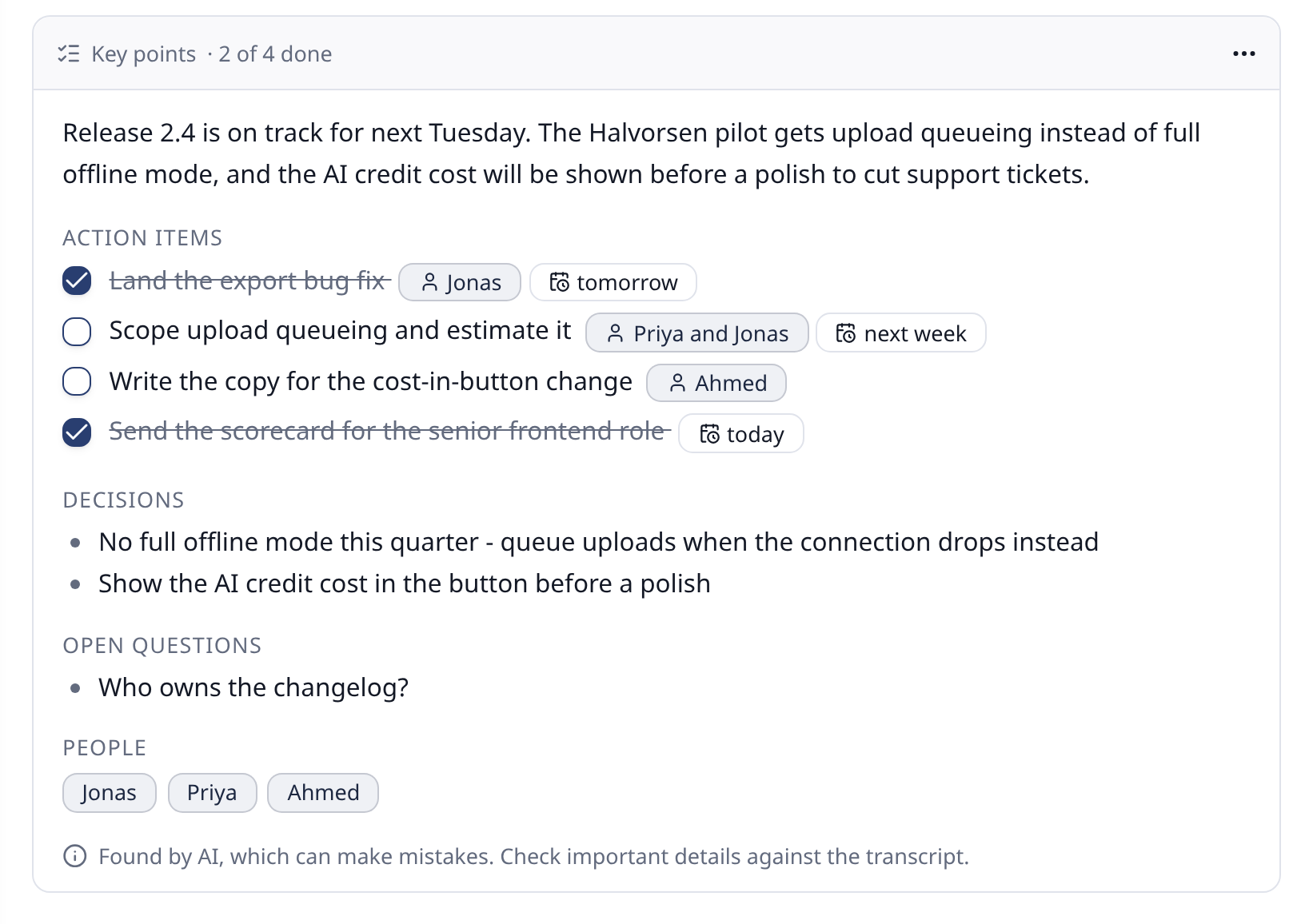
Action items, found for you.
A summary, decisions, to-dos with who and when, and open questions - pulled out of each note and gathered in one list to tick off.
- 04 · Create
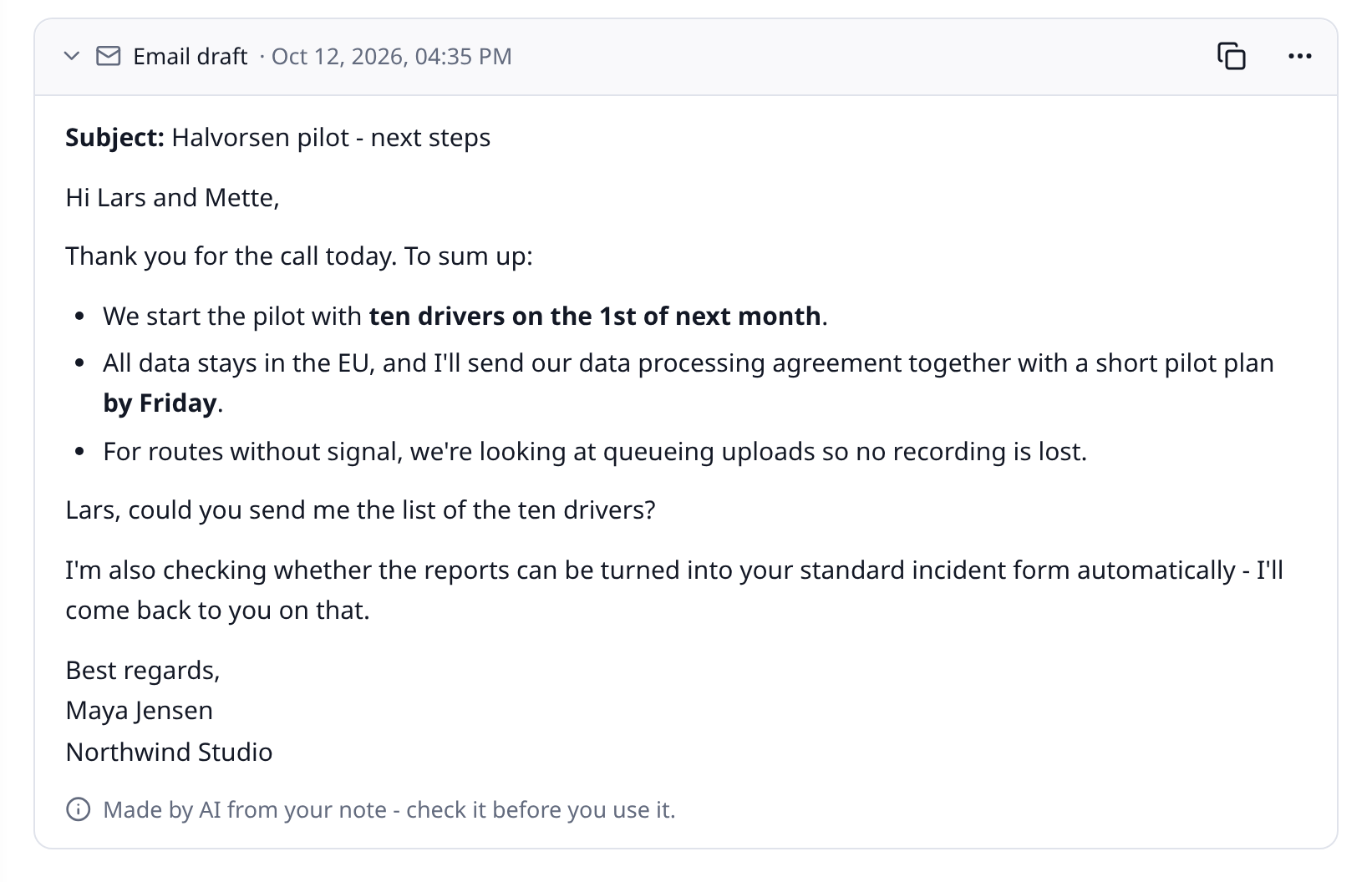
Turn it into an email.
Or a summary, meeting minutes, a post or a translation - from any note, or with your own templates.
- 05 · Ask
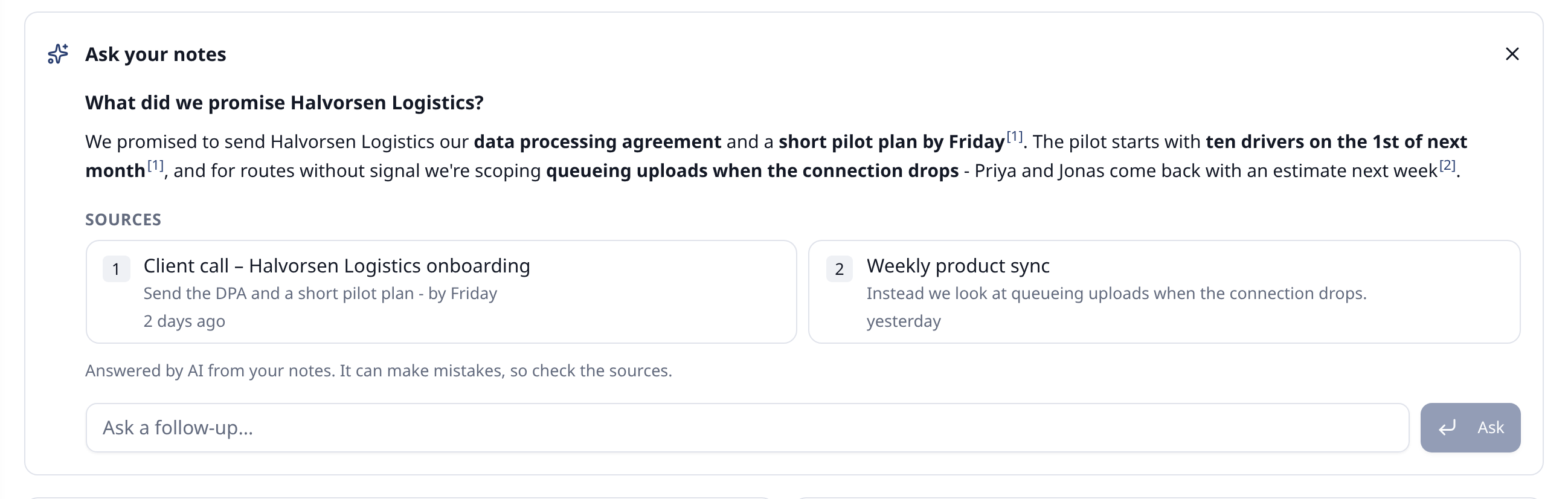
Ask your notes anything.
Find notes by what they mean, not just the exact words. Ask a question and get an answer from your notes, citing the ones it came from.
- 06 · Assistant
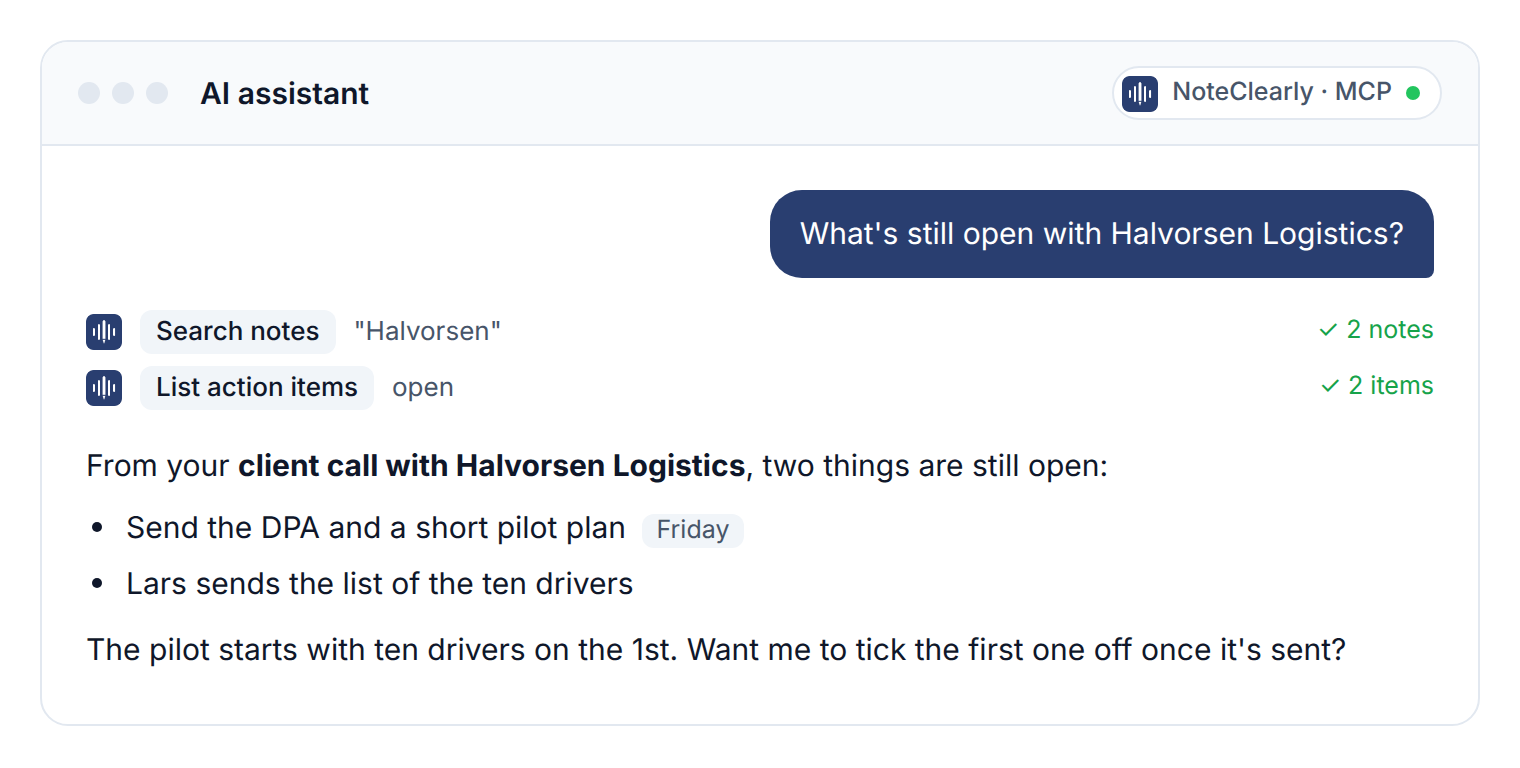
Use them in your AI assistant.
Connect Claude on the web or desktop, Claude Code, OpenAI Codex, Cursor, VS Code or another MCP-compatible assistant. It can search and read your notes - and, if you allow it, save new ones and tick off action items.
Simple, transparent pricing.
Start free. Upgrade when you record more.
Free
Try voice notes for yourself
- Transcription per month
- 120 min
- Max length per recording
- 10 min
- AI credits per month
- 10
- Users
- 1
About 12 ten-minute recordings a month
€0Free foreverCreate a free account(Free)No credit card required
- Recommended
Basic
For people who think out loud every day
- Transcription per month
- 1,200 min
- Max length per recording
- 60 min
- AI credits per month
- 1,500
- Users
- 2
About an hour every workday
€12per month, excl. VAT- Upload existing recordings
- Your own templates
- Weekly digest
- Every feature included
Get started(Basic)Cancel anytime
Advanced
For small teams
- Transcription per month
- 4,000 min
- Max length per recording
- 120 min
- AI credits per month
- 5,000
- Users
- 10
Shared by the team: about 3 hours every workday
€39per month, excl. VAT€3.90 per person - one price for the whole team- Upload existing recordings
- Your own templates
- Weekly digest
- Every feature included
Get started(Advanced)Cancel anytime
Pro
For organizations that record a lot
- Transcription per month
- 12,000 min
- Max length per recording
- 120 min
- AI credits per month
- 15,000
- Users
- 50
Shared by the team: about 10 hours every workday
€119per month, excl. VAT€2.38 per person - one price for the whole team- Upload existing recordings
- Your own templates
- Weekly digest
- Every feature included
Get started(Pro)Cancel anytime
Questions, answered.
What is NoteClearly?
NoteClearly is a voice notes app. You record (or upload audio), it turns your words into text, and its AI helps you tidy the note up, find what needs doing and turn it into an email, minutes or a summary. You can write notes by hand too.
Which languages does it understand?
Recordings in English, Danish and many other languages are transcribed. The app itself is in English and Danish.
Will the AI change what I said?
It tidies up and restructures, but it is told never to add or remove facts, and your original transcript is always kept beside the polished note. Like any AI it can make mistakes, so check anything important.
Who can see my notes?
Only you. You can invite colleagues to your organization, but everyone’s notes stay private to them - unless you share a read-only link to a note yourself.
Can I change or cancel my plan anytime?
Yes. Upgrade, downgrade or cancel at any time from your billing settings.
Can I use it with my AI assistant?
Yes. On every plan, including Free, you can connect Claude (on the web, desktop or in Claude Code), OpenAI Codex or another MCP-compatible assistant, or use the REST API, with an API token.
Is my data secure and GDPR compliant?
Yes. Audio is deleted once it is transcribed, we process only the data needed to run the service, apply automatic data retention, and never sell your data. See our privacy policy for details.